Nintendo to end Google and Apple login for Nintendo accounts on January 26, 2027
Those who sign in to Switch and Switch 2 only with Google or Apple need to create a password or passkey before the deadline to avoid losing access
By gnews Newsroom 3 min read
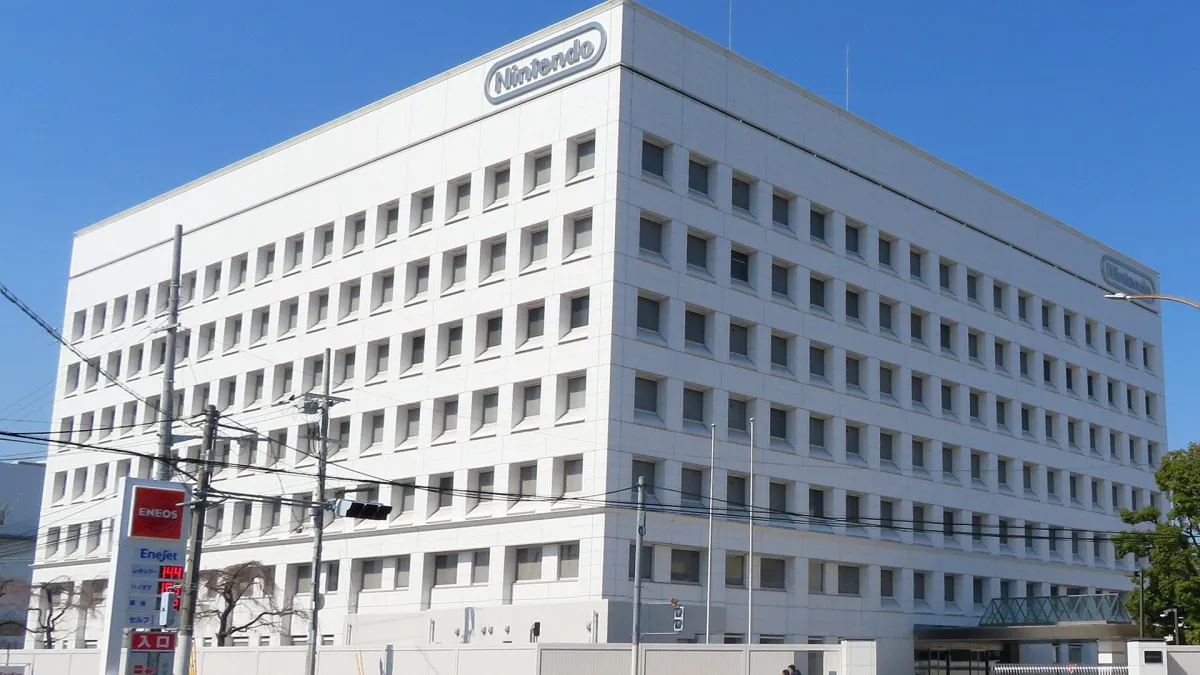
Nintendo will end login with Google and Apple accounts on Nintendo accounts starting January 26, 2027. The notice was published on the company's support site for the Americas and applies to Nintendo Switch 2, Switch, Switch Lite, and Switch OLED. After that date, it will no longer be possible to link, sign in, or create an account using the services of the two companies.
Nintendo did not explain the reason for the change. In the statement, the company apologizes to those who used Google or Apple to access their account and says the exact cutoff time may be delayed, depending on the progress of system work.
What changes for players
Currently, Google and Apple are the only remaining third-party login options for Nintendo accounts. The company had already removed access via Facebook and Twitter on October 25, 2022. With the new change, access will depend only on email or user ID, with a password, or a passkey.
According to Notebookcheck, the cutoff is scheduled for 4 p.m. Japan time, which corresponds to 4 a.m. on January 26 in Brasília, Brazil's capital (BRT). The My Nintendo mission that awarded Platinum Points for linking a Google account has also been discontinued.
Those already logged in on a device may not need to sign in again. The problem arises when the login screen appears, for example when switching consoles or signing in via browser. Anyone who created an account only with Google or Apple and never set a password will not be able to log in after the deadline until they create a password.
How to prepare before the deadline
Nintendo's guidance is to secure another way to sign in to your account now. The steps indicated by the company are:
- On the Nintendo account login page, choose the "Forgot your password?" option and follow the email instructions to create a password;
- If the email doesn't arrive, wait a while and add no-reply@accounts.nintendo.com to your contacts and safe senders list;
- If you no longer have access to the registered email, contact Nintendo support to change the address;
- Register a passkey, which uses the device's fingerprint or facial recognition instead of a password.
Notebookcheck highlights a detail for iPhone users. Those who chose the Hide My Email feature when creating an account with Apple gave Nintendo a forwarding address, not the real email. In that case, the recommendation is to keep Nintendo active in the Sign in with Apple settings until the password is created, so the reset message arrives.
Passkey doesn't replace everything
The passkey is stored on the phone or computer and is unlocked by the device's screen lock. According to Notebookcheck, it only works on the device where it was registered, or on the Switch with the help of that device. Therefore, the site states that Nintendo recommends also keeping email and password as an alternative. 9to5Google also advises testing access via one of these methods before January.
The notice does not include any specific rules for Brazil. Since the change is made to the company's account system, it also affects Brazilian players who use Google or Apple to sign in.
Sources: Suporte da Nintendo (Américas), Notebookcheck, 9to5Google
Frequently asked questions
When does Google and Apple login end for Nintendo accounts?
Starting January 26, 2027. Nintendo warns that the exact time may be delayed, depending on the progress of system work.
How to sign in to a Nintendo account without Google or Apple?
With your email or user ID and a password, which can be created via the "Forgot your password?" option, or with a passkey registered on your phone or computer.
Do those already logged in on the Switch need to do anything?
Nintendo says those already logged in may not need to sign in again, but if the login screen appears, access will only be possible with a password or passkey.