Anthropic turns Claude artifacts into Mac and Windows apps, with computer access
Beta feature for all plans creates icon, own window, and notifications; full computer access is restricted to apps made by the user themselves or the company
By gnews Newsroom 3 min read
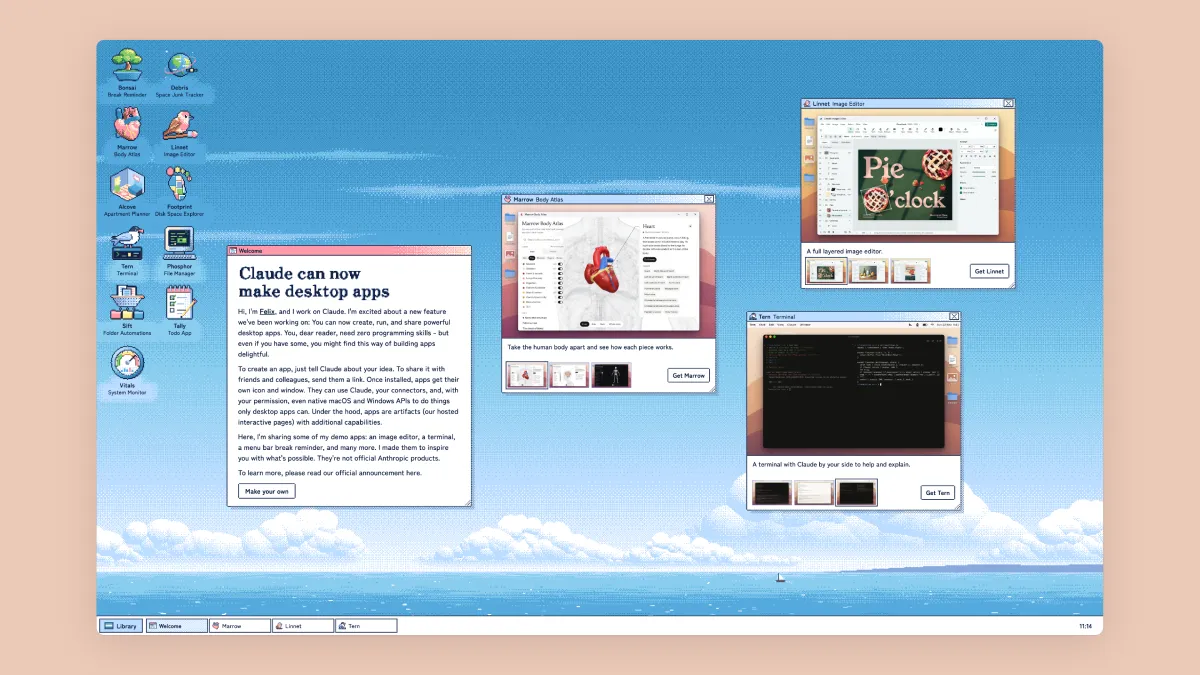
Anthropic began rolling out a feature on Tuesday (24) that turns Claude artifacts into computer apps. Called "Install as app," the feature is in beta on the Mac and Windows versions of Claude and is available on all plans, according to the company's official announcement.
Artifacts are the creations the assistant generates within a conversation, such as charts, pages, and small tools. With the new feature, an installed artifact gets its own icon and opens in a separate window outside Claude, like any other program.
What the apps can do
Each app can use Claude itself and the user's account connectors, such as calendar and email. The programs can send notifications and place items in the Mac menu bar or the Windows system tray. When the original artifact is edited, the app updates itself automatically.
Anthropic gives as examples of use a meeting preparation page that pulls data from the calendar and email, and an order dashboard for items that need to be shipped that day. Company employees have published demo apps, including a layered image editor, a file manager, a terminal with Claude alongside, and a computer performance monitor.
To create an app, just describe the idea to Claude, test the result as an artifact, and click "Install as app" in the sharing menu. There's no need to package or sign the program, and it uses the Claude account, without an API key or separate login. The calls the app makes to Claude count toward the plan's usage limit.
Three permission levels
The most sensitive point is computer access, divided into three levels:
- Default: the app only does what it would do in a browser.
- App permissions: it can request functions controlled by Claude, such as always-visible windows, global keyboard shortcuts, and notifications.
- Full access: the app can request to run programs and read, modify, or delete files without asking each time.
The authorization applies only to the current version of the app; after each update, including those made by the user themselves, Claude asks for permission again. Full access can only be granted to apps created by the person themselves or, on the Team and Enterprise plans, by colleagues in the same organization. The company warns that it does not review apps before installation and recommends granting full access only to trusted programs.
Limits and what comes next
The apps do not work without internet: you need to be online and connected to Claude to open them. Some artifact types, such as Claude Docs, Slides, and Sheets, cannot be installed. Organizations with a configuration compliant with HIPAA, the U.S. health data privacy law, and hybrid deployments are excluded.
On the Team plan, the feature is turned on, but full access is disabled. On Enterprise, it remains off until an administrator enables it. Administrators of both plans can allow or block permissions for the entire organization.
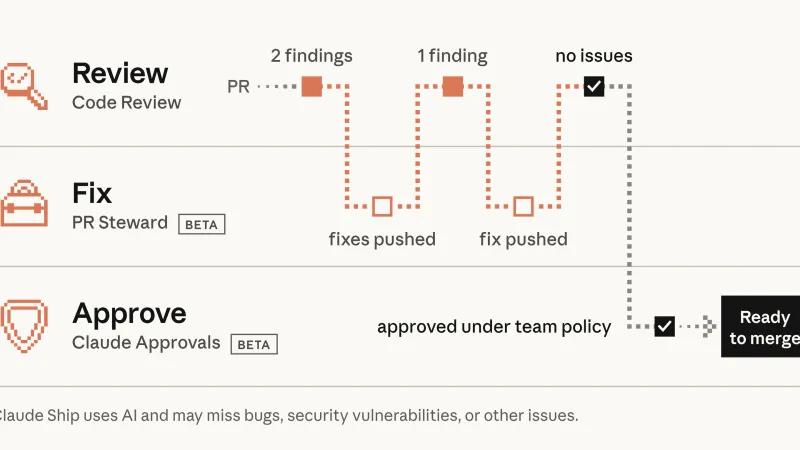
According to 9to5Mac, it is the second news item of the week aimed at those who develop with Claude, after the launch of Claude Ship on Monday (23). The announcement does not bring specific information for Brazil; since the feature is available on all plans, Brazilian users should receive it when updating the Claude app for Mac or Windows.
Sources: Anthropic (claude.com), 9to5Mac
Frequently asked questions
How do I install a Claude artifact as an app?
After updating Claude for Mac or Windows, create the artifact and click "Install as app" in the sharing menu.
Do Claude apps work without internet?
No. You need to be online and connected to your Claude account to open the apps.
Who can use the feature?
It is in beta on all plans, but it does not apply to organizations with HIPAA configuration or hybrid deployments.